
Ever feel like your air conditioner is stuck in neutral, refusing to cool below 75 degrees no matter how low you set the thermostat? You're not alone. It’s a common frustration, especially when summer heat turns your home into a sauna.
While some fixes, like cleaning filters, are easy DIY wins, others may need a pro’s touch. Let’s examine why your AC isn’t cooling below 75 and how to get it back on track.
Why Is My AC Not Cooling Below 75 Degrees?
Your AC may not cool below 75 degrees due to dirty air filters, low refrigerant, incorrect thermostat settings, duct leaks, or an undersized system. Check filters, thermostat settings, and vents first. If problems persist, call an HVAC technician to inspect refrigerant levels, ducts, and the outdoor unit.
Common Reasons Your AC Won’t Cool Below 75 Degrees
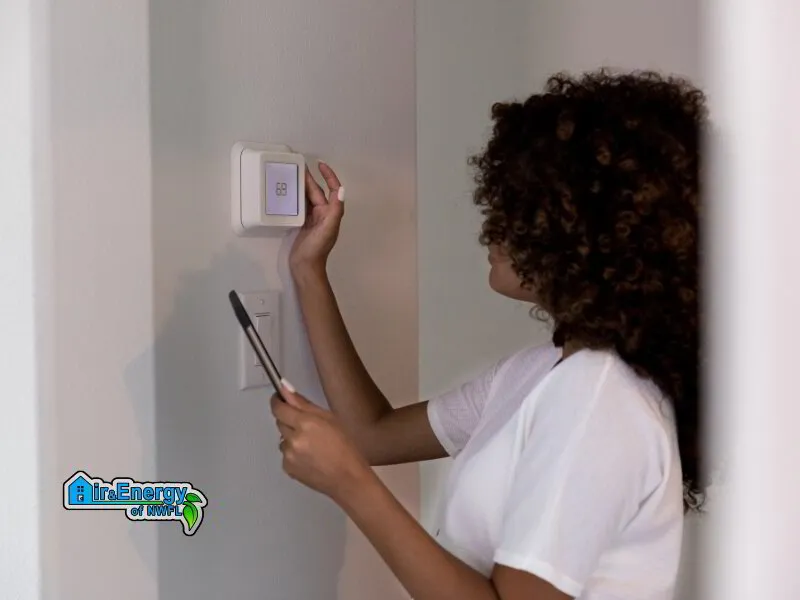
If your AC isn’t cooling below 75 degrees, it might surprise you, but the problem often isn’t with the unit itself—it’s what’s happening around it. Here are the five most common culprits and what you can do before calling in the pros.
1. Incorrect Thermostat Settings or a Faulty Thermostat
Failing to replace your air filter regularly can restrict airflow, making it nearly impossible for your air conditioning system to cool efficiently. When filters are clogged, the system has to work overtime just to keep up, and even then, you may feel like the air is stuck at 75 degrees or higher.
🏠 HOMEOWNER TIP: Check your filters monthly during summer. If they look dusty or clogged, swap them out. Clean filters not only boost cooling but also extend your system’s life.
2. Dirty or Clogged Air Filters
A dirty air filter can strangle airflow, making it nearly impossible for your AC to cool efficiently. When filters are clogged, the system has to work overtime just to keep up, and even then, you may feel like the air is stuck at 75 degrees or higher.
🏠 HOMEOWNER TIP: Check your filters monthly during summer. If they look dusty or clogged, swap them out. Clean filters not only boost cooling but also extend your system’s life.
3. Low Refrigerant Levels
Refrigerant is what makes your AC blow cold air. If your system is low, it could be due to a leak, which is not a DIY fix. Low refrigerant often shows up as poor cooling performance, frozen evaporator coils, or ice buildup on the outdoor unit. These block the cooling process entirely.
🏠 HOMEOWNER TIP: If you notice ice forming or hear a hissing sound, shut the system off and call a pro immediately. Handling refrigerant requires special certification.
4. AC Unit Too Small or Oversized for the Space
An undersized AC will struggle to cool your home beyond a certain point, often right around that stubborn 75°F mark. On the flip side, an oversized unit may cool too quickly, leaving humidity behind and creating comfort issues.
🏠 HOMEOWNER TIP: If you’ve recently renovated or added space, your old central AC unit might no longer be up to the task. Get an HVAC technician to perform a Manual J calculation to ensure your system is the right size.
5. Ductwork Leaks or Blockages
Even the best AC can’t do its job if your air ducts are leaking cool air into the attic or crawlspace. Gaps, cracks, or blockages in your ducts can cause uneven cooling or make it feel like the system can’t push past 75 degrees.
🏠 HOMEOWNER TIP: Check for obvious leaks around duct joints or listen for whistling sounds. If you suspect issues, a duct inspection by an HVAC technician can save you energy and frustration.
Advanced Troubleshooting Steps for Homeowners
Before you pick up the phone, there are a few safe, homeowner-friendly steps you can try yourself. These can sometimes save you time, money, and the headache of a service call. Let’s walk through a simple flowchart-style process to troubleshoot why your AC isn’t cooling below 75 degrees
DIY AC Troubleshooting Flowchart
1. Check the Air Filter
Is it clean and free of dust?
✔ Yes → Move to step 2.
❌ No → Replace it. See if cooling improves.
2. Verify Thermostat Settings
Is it set to "Cool" and the fan on "Auto"?
✔ Yes → Move to step 3.
❌ No → Adjust settings. Wait an hour to see results.
3. Inspect Vents and Airflow
Are vents open, unobstructed, and blowing steady air?
✔ Yes → Move to step 4.
❌ No → Clear obstructions and vacuum vents.
4. Check for Smart Thermostat Glitches
- Is your smart thermostat reading accurately?
- Many smart thermostats can miscalibrate or read wrong if exposed to outside heat, lamps, or if the sensor is faulty.
- Try placing a thermometer nearby. If there’s a big difference, recalibrate or check your thermostat's placement in the home app.
5. Review Home Insulation and Heat Gain
- Are windows letting in excessive heat? Is the attic properly insulated?
- Poor insulation can make your air conditioner struggle to keep up with outside temperatures, even if it’s functioning properly.
- Check for drafts, unsealed windows, and worn weatherstripping.
Still Hovering at 75?
At this point, an experienced HVAC technician can inspect your AC system, check condenser coils, and spot issues you might miss.
✅ BONUS TIP: If your smart thermostat still acts up, try rebooting it or checking for firmware updates. Smart thermostat miscalibration is more common than most people realize, especially during power surges or after outages.
When to Call an HVAC Technician
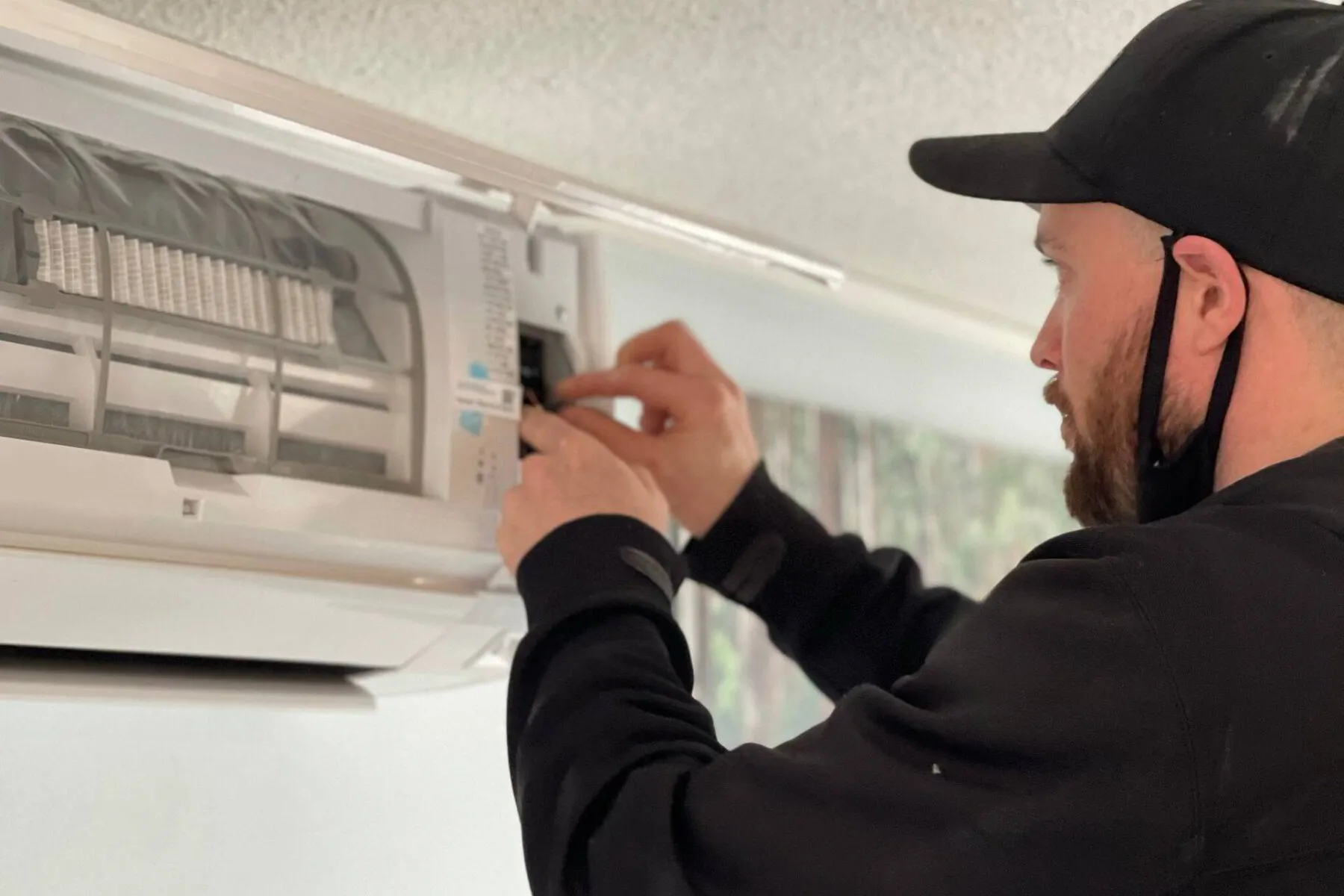
Sometimes, you’ve done all you can and that’s okay. Knowing when to call an HVAC technician can save you from bigger headaches (and bills) down the road. Look out for these red flags that mean it’s time to bring in a pro:
- Ice buildup or frozen evaporator coil on your outdoor unit.
- Hissing, bubbling, or grinding sounds.
- Weak or no airflow even after filter replacement.
- Warm air blowing despite correct thermostat settings.
- Unexplained spikes in your electric bill.
Most AC repairs for these issues range from $150 to $600, depending on the fix. While no one loves surprise repair costs, getting ahead of serious problems is often the most affordable route in the long run.
How to Prevent AC Cooling Problems
The best way to avoid the frustration of an AC that won’t cool past 75 degrees? Stay ahead of it with a little proactive care. A few simple habits can keep your system running smoothly and help you avoid costly, last-minute calls for preventive AC repair.
Simple AC Maintenance Checklist
Monthly:
- Check and replace air filters if they look dirty.
- Keep vents open and clear of furniture or drapes.
- Wipe down thermostat faceplates and sensors.
Seasonally (Spring & Fall):
- Clear debris from around your outdoor unit.
- Check insulation on refrigerant lines.
- Clean indoor vents and ensure unobstructed airflow.
Annually:
- Schedule a professional tune-up. This is one of the most overlooked yet valuable AC maintenance tips.
- Have ducts inspected for leaks or blockages.
- Clean condenser coils and check for dirty condenser coils that can choke your AC’s cooling power.
- Double-check your smart thermostat settings and update firmware if needed.
Adding these tasks to your regular home maintenance checklist or setting calendar reminders can help you catch small issues before they turn into major ones. And if remembering all this feels like a hassle, many HVAC companies offer affordable service agreements to take the guesswork out of upkeep.
Real-Life Case Study: How a Pensacola Family Fixed Their AC That Wouldn't Cool Below 75°F
During a brutal Pensacola heatwave, the Johnson family noticed their AC wouldn’t cool below 75°F, no matter what they tried. They changed the air filter, double-checked the thermostat, and even sealed up drafty windows. Still, the temperature inside crept higher by the day, leaving them exhausted and frustrated.
Feeling defeated, they finally called an HVAC technician. The tech quickly discovered a hidden refrigerant leak and several major gaps in the ductwork. Issues the Johnsons never could have spotted themselves. Their HVAC system and central air conditioner were also struggling against extreme outside heat.
After repairs and a system recharge, the difference was immediate.
“We couldn’t believe how fast the house cooled after the fix,” said Mrs. Johnson. “We wish we’d called sooner. It would’ve saved us a lot of sweat and sleepless nights.”
Conclusion
If your AC isn’t cooling below 75 degrees, don’t sweat it; most issues can be avoided with simple, proactive maintenance. Staying ahead of filters, thermostat settings, and annual tune-ups keeps your system running strong, even during Florida’s hottest months.
And if you’re in the Pensacola area, Air & Energy of NWFL is ready to help. Schedule an HVAC tune-up today or bookmark our checklist to keep your home cool and comfortable all summer.

This article was written by:
Co-founder and Home Comfort Specialist